

How to install on iPhone?
Safari · iPhone Pro
my.lifeno.app
Your daily wellbeing, in one place.
Illustrative installation screen
Step 1 / 4
Open my.lifeno.app in Safari
Tap Share (the square with an upward arrow) in the bottom toolbar.
Meals, water, and movement; one journal, always with you.
The sample starts at 500 mL. Each glass adds 250 mL to your total.
2,000 mL is only the example gauge scale, not a personal target.
Sample data · Nothing is transferred to your account. Refreshing the page or resetting starts over.
Sample data
Example scale: 2,000 mL
Make a little room in your day for what you ate, the water you drank and the time you set aside to move.
Morning
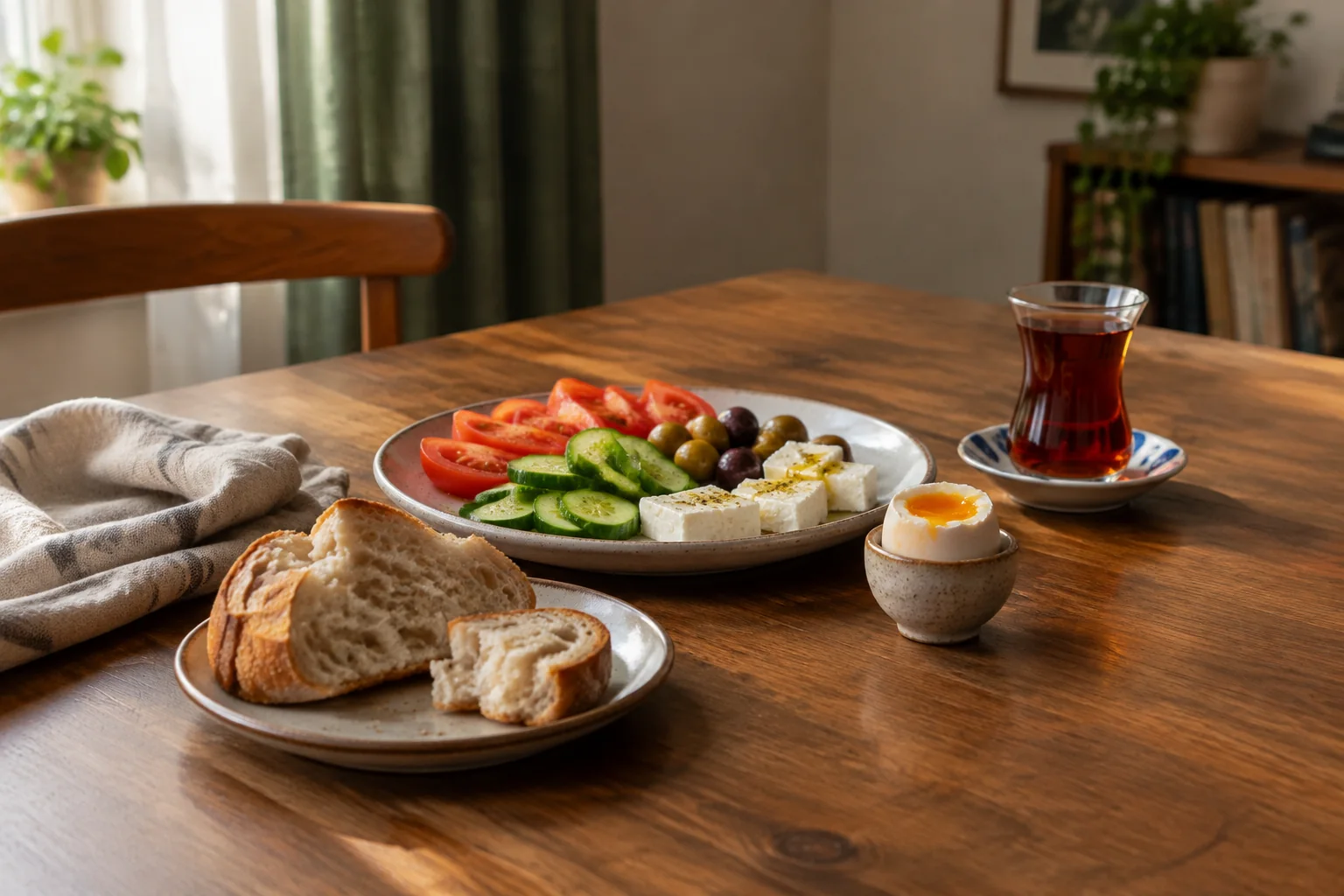
Add your breakfast and its amounts on the meal screen.
During the day
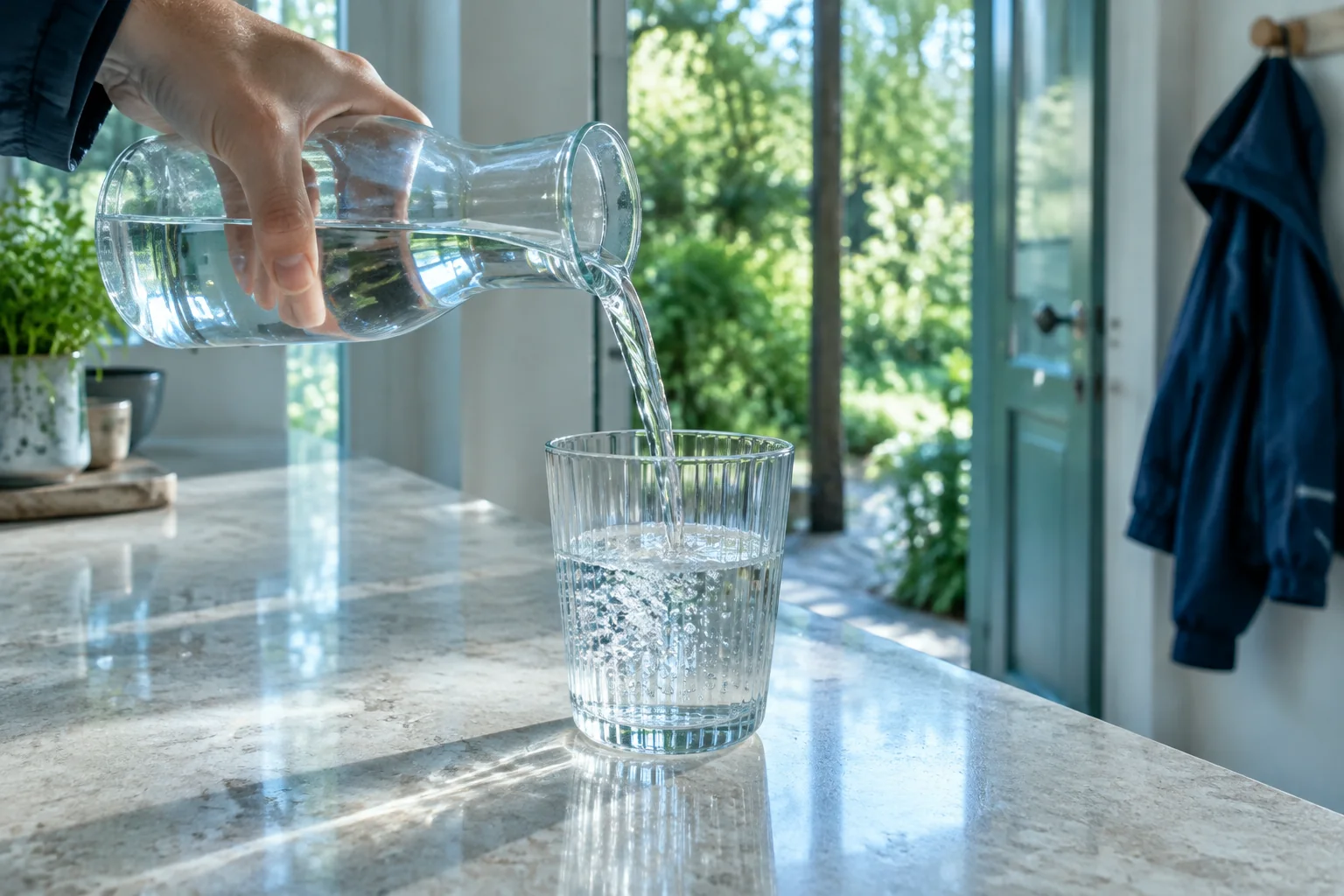
Record the amount of water you drink and check your daily total.
Dinner
Leave the duration of your walk on the activity screen.
Protein
128 g
Carbohydrate
196 g
Fat
58 g
Breakfast
Oats, yogurt, blueberries
430 kcal
24g P
Lunch
Grilled salmon, quinoa, greens
690 kcal
52g P
Dinner
Lentil soup, chicken salad
720 kcal
52g P
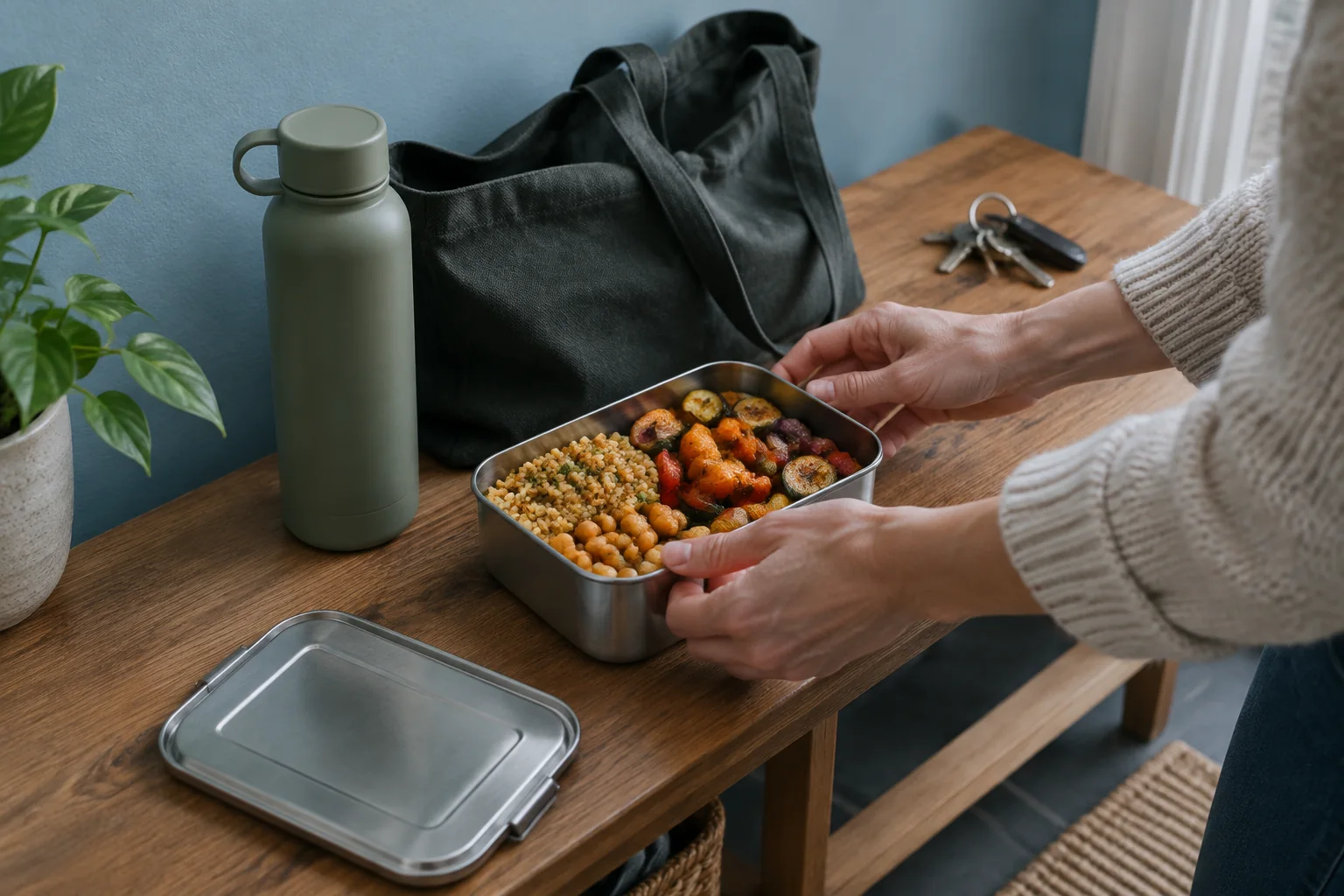
No need to reconstruct lunch by the time evening comes. Add what you ate and how much to your meal; return to the calorie and macro view later.

A glass when you get home, another sip back at your desk. Add the amount on the water screen rather than keeping the day’s total in your head.

2,100 / 2,500 ml
Weekly Activity
195 min4 active days
Brisk Walk
Today • 18:10
Stretching and Mobility
Yesterday • 07:45
One more lap around the block, the longer way home. Add your walk or workout duration on the activity screen. Your daily overview brings movement together with your meals.
Keep dated weight and blood pressure records. Review your own history, not a substitute for medical assessment.
Open LIFENO at my.lifeno.app. Continue with your existing account.
Visit the actual sign-in page
By evening, breakfast is a blur and the length of your walk is hard to recall. Leave yourself small notes in LIFENO: what you ate, the water you drank, the time you spent moving.
1,840 / 2,100 kcal
Protein
128 g
Carbs
196 g
Fat
58 g
Water Intake
2.1 L
Goal 2.5 L
Activity
42 min
Brisk walk
Calories, macros, water and activity on one screen.
You don’t need to fill everything in at once. Open LIFENO and start with one meal, a glass of water or a walk from today.
Open it in your browser and continue with your account.
Make your first entry on the meal, water or activity screen.
If you like, add it to your home screen, ready for your next entry.
Safari · iPhone Pro
my.lifeno.app
Your daily wellbeing, in one place.
Illustrative installation screen
Step 1 / 4
Tap Share (the square with an upward arrow) in the bottom toolbar.
Chrome · Galaxy S25
LIFENO
Illustrative installation screen
Step 1 / 4
Tap the three-dot (⋮) browser menu in the top-right corner.
These are illustrative installation screens, with no affiliation with or endorsement by Apple or Samsung. Menu labels and the “Open as Web App” option may vary by operating system and browser version.